Gonzaga's student systems, and where the clinical tools fit
Gonzaga runs a handful of named systems that every online nursing student uses: ZagWeb for registration and grades, Canvas for courses, ZagMail for email, myGU as the intranet, Foley Library for research and the IT Help Desk when something breaks. The clinical tools, CPNW, CastleBranch, Typhon and CORE, sit alongside them with jobs of their own.
Get your placement plan
Tell us your Gonzaga program and where you live. A placement advisor replies with the preceptor and site options that fit your Gonzaga course.
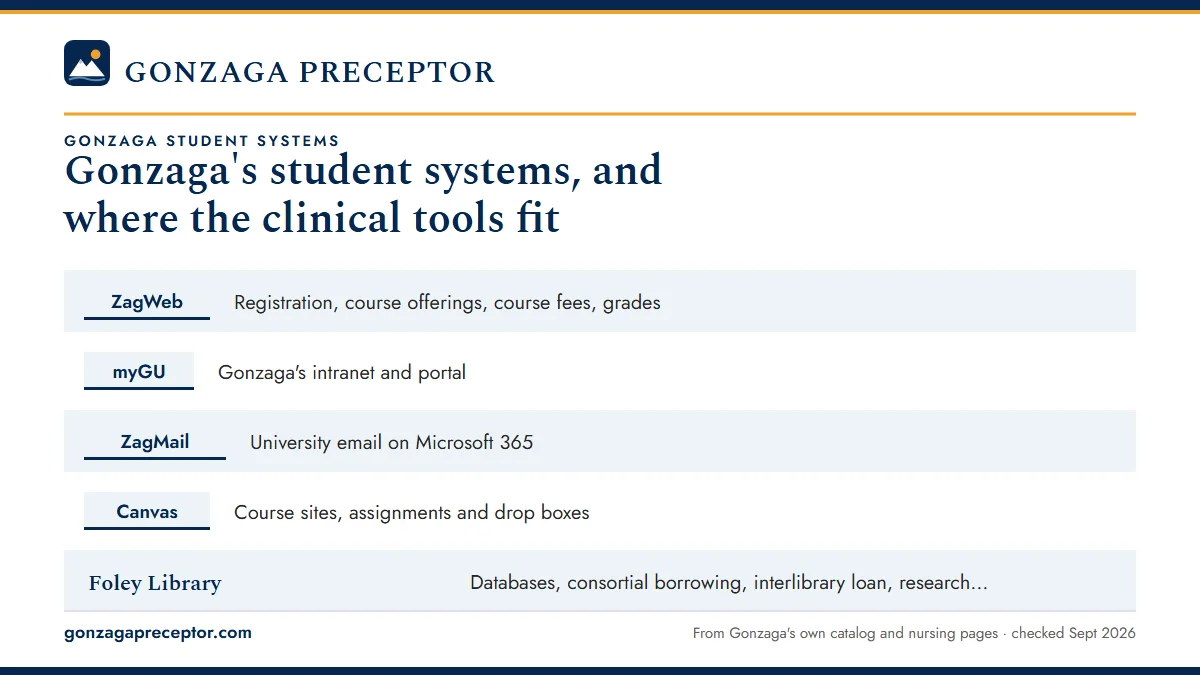
The systems at a glance
Here is what each core system does and where to reach it. Several addresses now redirect: ZagWeb opens Ellucian's Banner self-service, ZagMail opens Outlook, and the old Blackboard address lands in Canvas.
| System | What it does | Where |
|---|---|---|
| ZagWeb | Registration, course offerings, course fees, grades | zagweb.gonzaga.edu (Ellucian Experience) |
| myGU | Gonzaga's intranet and portal | my.gonzaga.edu |
| ZagMail | University email on Microsoft 365 | zagmail.gonzaga.edu |
| Canvas | Course sites, assignments and drop boxes | canvas.gonzaga.edu |
| Foley Library | Databases, consortial borrowing, interlibrary loan, research help | Foley Center Library |
| IT Help Desk | Technology support requests | support.gonzaga.edu |
Gonzaga's Current Students page gathers links to ZagWeb, ZagMail and the course system in one place, which makes it a sensible bookmark for the first week of the program. Set each one up before your first term so the clinical side, which arrives later, has a working base to sit on.
ZagWeb and your progression plan
ZagWeb is Gonzaga's student information system. The catalog says final course information is published there, course fee notes point to ZagWeb course offerings, and grades, including a provisional grade on an Incomplete, are handled there. The old address now redirects to Ellucian Experience, which runs Banner self-service.
Registration follows your progression plan. Online MSN students are paired with a faculty advisor and backed by a Student Services team, and the plan reserves your seat in the courses on it. Changes that take you off the plan need a sign-off from staff and your faculty advisor beforehand, which matters most when a missing preceptor pushes a practicum back a term. The grades and progression page covers what a slower plan means, and the online graduate calendar shows the term dates your registration follows.
Canvas, ZagMail and myGU
Canvas is Gonzaga's learning management system, at canvas.gonzaga.edu. The old Blackboard address, learn.gonzaga.edu, redirects there, even though Gonzaga's Current Students page still labels the link Blackboard. Gonzaga's Instructional Design and Delivery office runs a Canvas support line that is open around the clock.
Clinical work passes through Canvas too. In the PMHNP packet, students are told to place the self-evaluation and finished Typhon log in the course's Canvas drop box, so for practicum courses the course site is also where each term's clinical paperwork is turned in.
ZagMail runs on Microsoft 365 and opens in Outlook. Use it for anything that goes to faculty, your advisor or the Clinical Placement Team, and watch it closely in the weeks before a practicum starts. myGU, at my.gonzaga.edu, is the intranet linked from the footer of Gonzaga's pages.
Foley Library and the IT Help Desk
Foley Center Library supports graduate students with online databases, consortial borrowing through the Orbis Cascade Alliance, interlibrary loan and research consultations. Disability Access and the Academic Testing Center are also in the Foley building. For online students, the databases and research consultations are the parts that carry evidence-based practice assignments and DNP projects. A consultation is a good first stop when a literature review needs sources beyond what a course lists.
The IT Help Desk takes technology requests through its TeamDynamix portal at support.gonzaga.edu, and Gonzaga's MSN FAQ points students there for technical help. Access problems with ZagWeb, ZagMail or Canvas start there, and it is worth sorting them out before a term begins rather than in the week a site request or evaluation is due.
The clinical tools sit beside them
Practicum work runs on a separate set of tools. Gonzaga's 2024 CORE announcement said the Department of Nursing would cut its five or six clinical platforms to just CORE and CPNW, with all students planned to be in CORE by spring 2026. Until your cohort moves, older documents still point to Typhon and CastleBranch.
- CPNW (Clinical Placements Northwest): the regional clearance you must be following before hours count. See CPNW clearance.
- CastleBranch: immunizations, BLS, background check and 10-panel drug screen in the older setup. See CastleBranch compliance.
- Typhon: weekly patient-encounter and hour logs. See Typhon clinical logs.
- CORE (CORE ELMS): compliance documents, case and time logs, site management and, from Spring 2026, preceptor evaluations for listed courses. See CORE ELMS.
- Preceptor Portal: Gonzaga's public pages for preceptors, with the FNP and PMHNP guides, course objectives and evaluation forms.
Which system holds what for a practicum
As a practicum term approaches, the tasks spread across several systems. This is where each one lives.
- Registering for the practicum and seeing its course fee: ZagWeb.
- Syllabus, hour range, assignments, self-evaluation and log uploads: the Canvas course site.
- Messages with faculty, your advisor and the Clinical Placement Team: ZagMail.
- Clearance before hours count: CPNW, plus CastleBranch or CORE for your compliance documents.
- Hour and encounter logs: Typhon, or CORE if your cohort has moved.
- Your preceptor's end-of-term evaluation: a CORE email for listed courses, or a Preceptor Portal web form.
- Deadlines, compliance lists and placement request timing: the Graduate Nursing Student Handbook.
The handbook is the one piece Gonzaga keeps off its public website. The catalog refers MSN and DNP students to a separate graduate handbook, which is shared with enrolled students; if your copy is hard to find, ask your faculty advisor or the Student Services team.
Why Gonzaga students choose us
Gonzaga's systems tell you what is required; the hard part is filling them with an approved preceptor and site. That is our specialty. We find a preceptor and clinical site in your own state that fit your course, then assemble the Practicum Site Placement Request file: credential and certification records for the preceptor, the contact who handles agreements at the site, a proposed schedule and a note on course fit.
Your placement advisor remains reachable all term, and a preceptor who drops out triggers an immediate new search. Every site and preceptor still goes through Gonzaga's faculty for approval; what we send forward is ready for that review on arrival, so the rest of your term runs through ZagWeb and Canvas as it should. Start with the form below.
Questions Gonzaga students ask
What is ZagWeb used for at Gonzaga?
ZagWeb is Gonzaga's student information system, now running on Ellucian's Banner self-service. You use it to register, view course offerings and course fees, check grades and see a provisional grade on an Incomplete. The catalog says final course information is published there, so it is the record for your schedule.
Does Gonzaga still use Blackboard?
No. Gonzaga's learning management system is Canvas, at canvas.gonzaga.edu. The old Blackboard address now redirects to Canvas, although the Current Students page still labels that link Blackboard. Your course sites, drop boxes and course announcements all live in Canvas, and Canvas support is available around the clock.
Where do I upload my clinical log and self-evaluation?
Gonzaga's PMHNP packet directs students to upload the self-evaluation and completed Typhon log to the Canvas drop box for the course. As cohorts move into CORE, logs and some evaluations shift there. Your syllabus names the current destination for each practicum course, so check it at the start of term.
Where is the Gonzaga Graduate Nursing Student Handbook?
It is not on Gonzaga's public website. The catalog refers MSN and DNP students to a separate graduate handbook, which is shared with enrolled students. It holds details the public pages leave out, including compliance lists and placement request timing, so ask your faculty advisor or Student Services team if you need a copy.
Who do I contact for Canvas or ZagMail problems?
Start with Gonzaga's IT Help Desk, which takes requests through its TeamDynamix portal at support.gonzaga.edu. Canvas also has a Gonzaga-specific support line that runs around the clock, managed by the Instructional Design and Delivery office; its contact details are on Gonzaga's Canvas page.
Related pages
Last checked 2026-09-25
We check these pages against Gonzaga's catalog, FAQs, preceptor packets and Department of Nursing pages. Your course, the Graduate Nursing Student Handbook and Gonzaga's Clinical Placement Team have the final word.
Gonzaga asks you to find local preceptors first. Let us run that search.
Tell us your Gonzaga program, your practicum course and where you live and can travel. We find preceptors who fit the course and prepare the license, certification and site details your Practicum Site Placement Request needs, early in the semester before.
- Preceptors matched to the course: primary care across the lifespan for
NURS 661PtoNURS 664P, psychiatric care forNURS 661MtoNURS 663M, an agency liaison for the DNP - Credentials, license, board certification and site contact ready for your site request
- In Spokane, across Washington or wherever in the ten western states you are licensed
Start your placement plan
Your program, city and next practicum term is all we need to begin.